
To size an inverter for a shop or office, list what has to keep running in a power cut and add up its watts. That total sets the inverter's VA rating, and the hours you need set the battery. A desktop billing computer may need a small UPS as well, and a laser printer is safer on mains.
Key Takeaways
- Typical shop loads are small: a 20 W LED tube, a 75 W ceiling fan, an 85 W laptop and about 36 W for a thermal billing printer. A desktop with a 24-inch monitor draws about 290 W (University of Houston).
- Battery size is watts × hours ÷ 0.8. A 400 W load for 5 hours needs about 2,500 Wh, which a 24 V 100 Ah lithium battery (2.56 kWh) covers.
- Vertiv puts online UPS transfer time at zero and line-interactive units at about 4–6 ms. The Prakash inverters switch over in 20 ms, so we suggest a UPS for a desktop or server.
- Laser printers can draw 825–1,100 W, and APC advises against plugging them into a UPS's battery outlets. Run them from mains.
- Lead-acid batteries give off hydrogen and need a ventilated spot, per Tata Green Battery. A sealed LFP battery can sit indoors next to the inverter.
How many watts does a shop or office use?
Lights, fans, a router and a thermal billing printer draw little. A desktop computer draws several times more than a laptop, and a laser printer can draw more than everything else in a small shop put together. These are typical running figures from published sources.
| Appliance | Typical watts | Source |
|---|---|---|
| Wi-Fi router (TP-Link Archer C6) | 12 W or less (adapter rated 12 V, 1 A) | TP-Link India |
| LED tube light | 20 W (replaces a 40 W tube light) | UJALA, via Sentinel Assam and Energetica India |
| Inkjet printer | 25 W | University of Houston |
| Thermal billing printer (Epson TM-T82III) | about 36 W while printing, about 2.4 W on standby | Epson India |
| Ceiling fan | 75 W for a conventional fan, 50 W for an energy-efficient one | UJALA, via Sentinel Assam |
| Laptop (15 or 17 inch) | 85 W (range 45–90 W) | University of Houston |
| Desktop PC with 24-inch LED monitor | 290 W (range 180–540 W) | University of Houston |
| Laser printer | 825–1,100 W | University of Houston |
| CCTV DVR, POS terminal, visi cooler | Read the nameplate or adapter label | No reliable public figure found |
The University of Houston figures are US measurements, so use them as a guide and check your own models. We worked out the printer and router figures from the makers' ratings: 24 V × 1.5 A for the Epson printer while printing, and 12 V × 1 A for the TP-Link adapter. An adapter's rating is its maximum, so the router itself draws less.
For a DVR, a card or POS terminal and a visi cooler, read the label. If it shows only volts and amps, multiply them to get watts. A visi cooler has a compressor, and motors and compressors draw more for a moment when they start. Check its start rating with the maker before you put it on an inverter.
How to size an inverter for a shop or office
Sizing takes four steps: add the watts, convert them to VA, work out the battery in watt-hours, and pick 12 V or 24 V. The battery backup calculator does this for common appliances such as fans, lights, a router and a laptop. Add a desktop, printer or DVR by hand from the table above. The calculator's defaults differ slightly from the table (65 W for a laptop and 15 W for a router), so its totals can come out a little different.
Step 1: Add up the running watts
Write down each appliance that will be on the backup circuit, with its watts, and add them up. Leave out anything you can manage without for a few hours, such as an air conditioner or a water pump. Every watt you drop adds backup time.
Step 2: Convert watts to VA for the inverter rating
Inverters are sold by VA (volt-amperes). Divide your total watts by 0.8 to get the VA you need. That works for inverters rated at 0.8, like ours: the Prakash 1100 is rated 1100 VA and 880 W, and the Prakash 2200 is 2200 VA and 1760 W. If your inverter uses another ratio, go by its W rating.
A 400 W load needs 400 ÷ 0.8 = 500 VA. Check the watt rating as well, because your total must stay under it. We suggest leaving headroom for loads you may add later and for anything with a motor.
Step 3: Size the battery in watt-hours
Multiply the load by the hours you want to get watt-hours (Wh). Then divide by 0.8, because about 80% of a lithium battery's rated energy is usable.
For 400 W over 5 hours: 400 × 5 = 2,000 Wh, and 2,000 ÷ 0.8 = 2,500 Wh. A 24 V 100 Ah lithium battery holds 2,560 Wh (25.6 V × 100 Ah), so it covers the load. For a tubular battery, ask the maker what depth of discharge it is rated for and use that figure in place of 0.8.
The Luminous buying guide (September 2026) gives Ah = watts × hours ÷ battery voltage. That is a fair first pass, but it leaves out the usable share of the battery, so add the 0.8 step.
How many hours should you plan for? Supply has improved. Government figures put average supply in 2025 at 22.6 hours a day in rural areas and 23.4 hours in urban areas (Sentinel Assam, February 2025). An average says nothing about the cuts on your own feeder, so plan from the longest cuts your shop actually sees. The "about" backup times in this guide assume the 80% usable share and nothing else. Expect a little less in practice, because the inverter uses some power itself.
Recharge time matters too if your shop sees several cuts a day. Both Prakash inverters have a 25 A charger, which recharges a 100 Ah lithium battery in about 4 hours. By our calculation, a 200 Ah battery such as the Shakti 12 Plus or Shakti 24 Plus takes roughly 8 hours on the same charger, so check that the gap between your cuts is long enough to refill it.
Step 4: Choose a 12 V or 24 V system
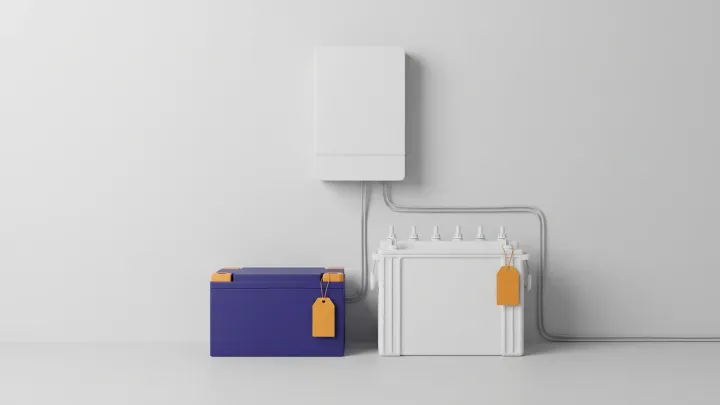
Up to about 1100 VA, a 12 V inverter and battery are enough. Above that, a 24 V system is the usual step. The Shakti 24 fits 24 V inverters from 1.5 to 2.5 kVA and replaces the pair of 12 V tubular batteries they normally use.
At the same load, 24 V halves the current. An 800 W load draws about 62 A from a 12.8 V battery and about 31 A from a 25.6 V battery, which is easier on cables and terminals.
Inverter for shop and office use: three worked examples
These three set-ups use the same inverter and battery pairings and backup times as our Inverter & UPS page. Each uses the figures from the load table; the shop examples include a thermal billing printer.
Small counter, about 250 W
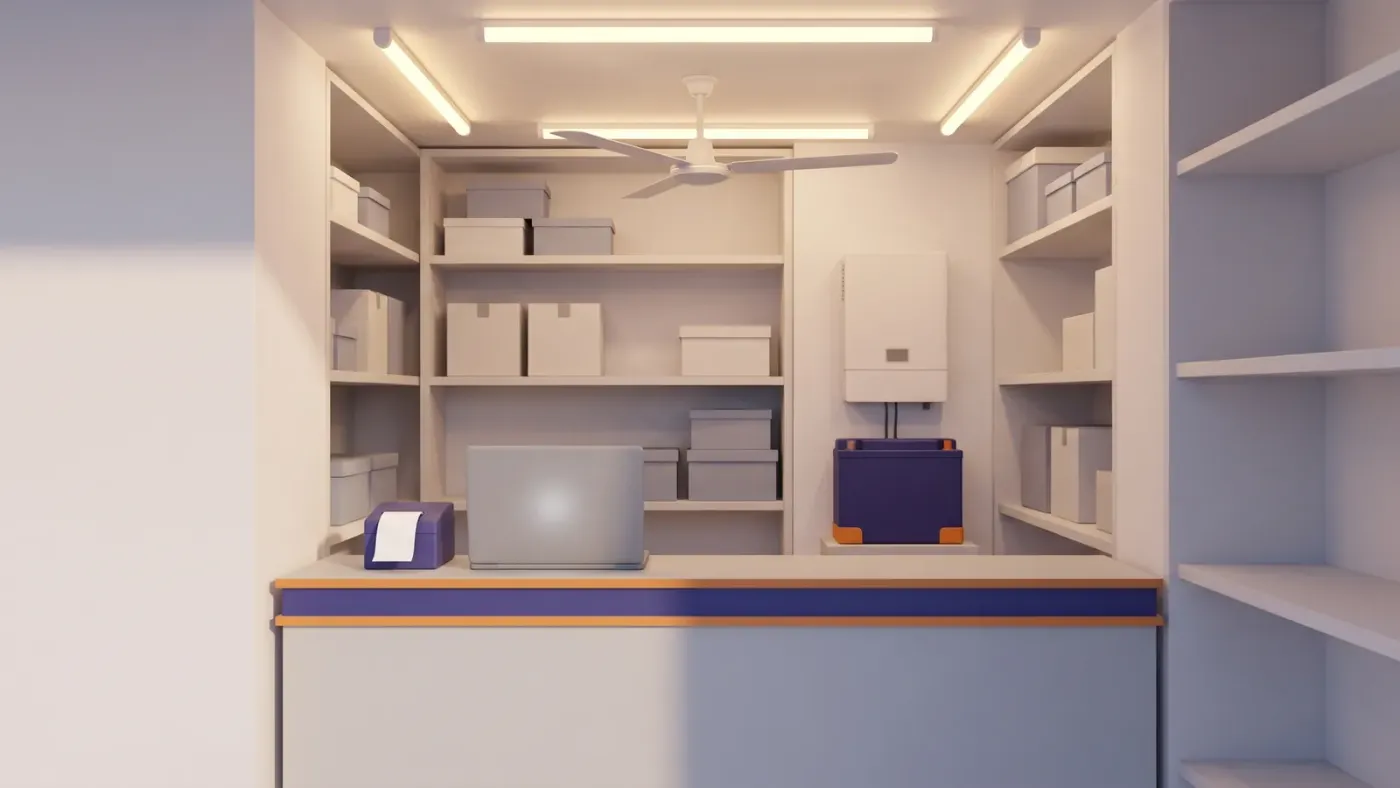
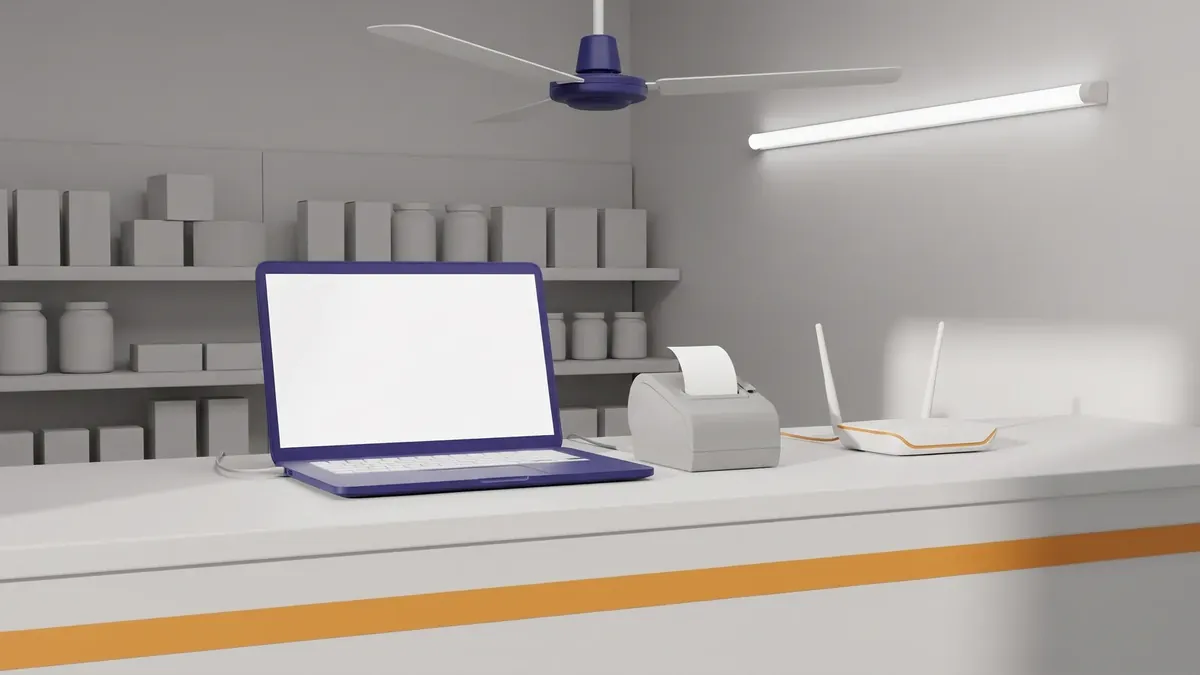
Two LED tubes (40 W), one fan (75 W), a billing laptop (85 W), a thermal printer (36 W) and a router (12 W) come to about 250 W, or about 310 VA. That sits well inside the 880 W of the Prakash 1100. With a Shakti 12 (1.28 kWh), it runs for about 4 hours.
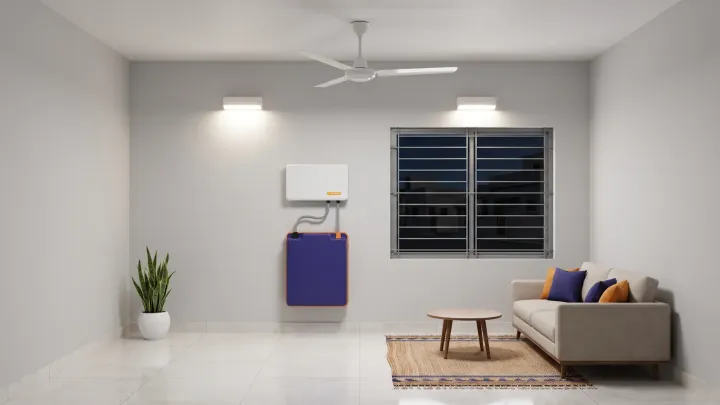
The Urja puts an 1100 VA inverter and a 1.28 kWh battery in one wall unit, and also gives about 4 hours at this load.
Shop, about 400 W
Four LED tubes (80 W), two fans (150 W), a billing laptop (85 W), a thermal printer (36 W) and a router (12 W) add up to about 365 W. Round it to 400 W. The Prakash 2200 with a Shakti 24 runs it for about 5 hours, and leaves room to add a fan or a display fridge later.
If you don't expect to add load, the Prakash 1100 with a Shakti 12 Plus also gives about 5 hours at 400 W. It is a 12 V system with less headroom (880 W) and a longer recharge (see Step 3).
If the billing computer is a desktop with a 24-inch monitor (about 290 W), the load rises to about 570 W, and the Shakti 24 gives about 3.5 hours. Put that desktop on a small UPS as well (see the next section).
Small office, about 800 W
Eight LED tubes (160 W), four fans (300 W), four laptops (340 W) and a router (12 W) come to about 800 W, or 1,000 VA. The Prakash 2200 (1760 W) with a Shakti 24 Plus (5.12 kWh) gives about 5 hours.
Swap the laptops for four desktops at about 290 W each and the office draws about 1,630 W. That is close to the Prakash 2200's 1760 W limit and cuts backup to about 2.5 hours, so measure your machines before you buy.
| Set-up | Load | Backup | Price (incl. GST) |
|---|---|---|---|
| Prakash 1100 + Shakti 12 | about 250 W | about 4 hours | ₹28,450 |
| Urja (inverter and battery in one) | about 250 W | about 4 hours | ₹28,800 |
| Prakash 1100 + Shakti 12 Plus | about 400 W | about 5 hours | ₹44,900 |
| Prakash 2200 + Shakti 24 | about 400 W | about 5 hours | ₹51,000 |
| Prakash 2200 + Shakti 24 Plus | about 800 W | about 5 hours | ₹85,400 |
Prices come from our catalogue on 1 November 2026, and delivery is free on every online order. A tubular battery costs less to buy. Shakti batteries are rated for 4,000 cycles at 80% depth of discharge.
Our lithium vs tubular inverter battery guide compares the two in full. For a home rather than a shop, see how to choose an inverter and battery for home. For what each model costs, see our lithium inverter battery price guide.
UPS or inverter for office computers
An inverter takes longer to switch to battery than a UPS, and that gap shapes how you plan power backup for office computers. Vertiv, a UPS maker, gives these transfer times for the three UPS types.
| Type | Changeover when mains fails | Source |
|---|---|---|
| Offline (standby) UPS | about 6–8 ms; Vertiv says it suits loads under 1500 VA | Vertiv |
| Line-interactive UPS | about 4–6 ms | Vertiv |
| Online double-conversion UPS | zero transfer time | Vertiv |
| Prakash 1100 and 2200 inverters | 20 ms | Our product pages |
The Prakash is an inverter with a 20 ms changeover. It is not an online UPS. A 20 ms changeover can be longer than some desktop power supplies can ride through, so a desktop on an inverter may restart when the mains fails. A laptop rides through on its own battery.
Our advice is to split the load. Put the billing desktop, the router and a CCTV recorder on a small UPS, and run lights and fans from the inverter. Every UPS type in Vertiv's table switches over faster than the inverter, and sizing the UPS for those few machines only keeps it small.
For a server, a network storage box or anything else that must not blink, use an online UPS. Vertiv says only the online double-conversion type protects fully against all the power problems it lists. If the UPS will plug into an inverter-backed socket, check with the UPS maker that it accepts an inverter's output.
Can a laser printer run on an inverter?
Treat a laser printer as a separate load and keep it on mains. The University of Houston lists laser printers at 825–1,100 W, against 25 W for an inkjet. Those are US figures at the high end of the printer's draw, but they show the scale. A laser printer alone can reach the Prakash 1100's 880 W limit, and added to a 400 W shop load it would go past it.
APC advises against plugging a laser printer into a UPS's battery outlets or its surge-only outlets (Schneider Electric FAQ FA158812). Its high current draw can make the mains voltage sag, which can push a Back-UPS onto battery again and again.
We don't claim the Prakash inverters can handle a laser printer's surge. If you want to try one on the Prakash 2200 (1760 W), test it with everything else on the circuit running, at a time when a trip won't matter. Otherwise wire the printer to a mains socket outside the backup circuit, and print bills on the thermal printer during a cut.
Where to put a shop inverter and battery
A lead-acid battery needs a spot with moving air. Tata Green Battery, an Indian battery maker, says inverter batteries release small amounts of hydrogen, which is highly flammable. Its advice is to keep the battery upright in a well-ventilated area where air can circulate, and to avoid sealed cabinets, bedrooms and unventilated storerooms. Keep it away from sunlight, heat sources and anything flammable. If your only spare corner is a closed storeroom full of cartons, that is the kind of place this guidance rules out.
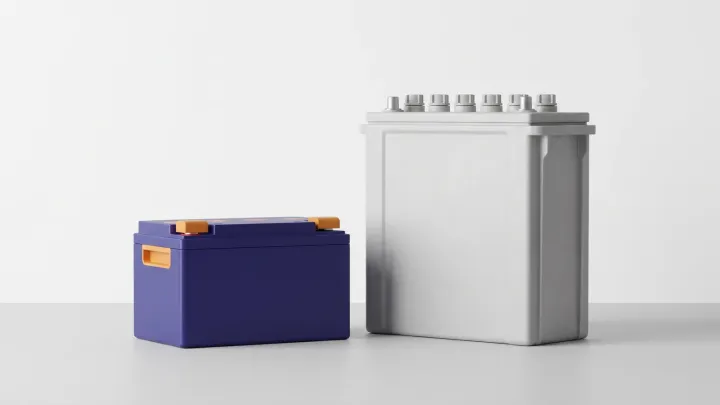
Shakti batteries are LFP in a sealed IP54 case. There is no acid to spill, no water to top up and no gas to vent, so they can sit indoors next to the inverter. We'd still keep any battery and inverter out of direct sun and clear of stock.
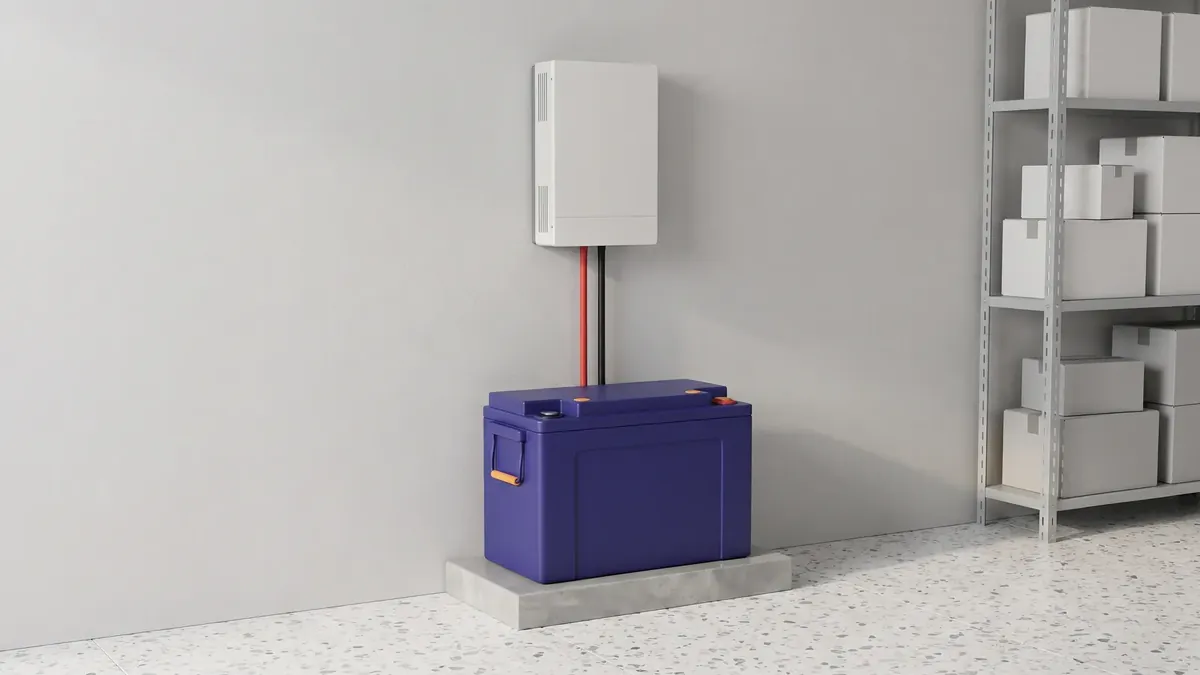
Shakti batteries and the Prakash and Urja inverters are designed for self-installation in about 15 minutes. Wiring a shop's backup circuit is a separate job. If you need a dedicated inverter circuit or a changeover switch, we recommend a licensed electrician.
Sources
- University of Houston, Green IT: desktop power management (undated, read October 2026)
- Epson India, TM-T82III POS printer (USB + Serial) product page (read October 2026)
- TP-Link India, Archer C6 router specifications (read October 2026)
- Sentinel Assam, Assam opts for power saving mode (UJALA LED tubes and fans), 5 May 2017
- Energetica India, LED tube lights and energy-efficient fans under UJALA in Delhi, 7 February 2017
- Sentinel Assam, average electricity supply in rural and urban areas up in the last 10 years, 23 February 2025
- Luminous, how to choose the best inverter for home: complete buying guide, 3 September 2026
- Vertiv, What are the different types of UPS systems? (undated, read October 2026)
- Schneider Electric (APC), FAQ FA158812, Recommendations for protecting a laser printer, modified 22 April 2026
- Tata Green Battery, inverter battery safety tips (undated, read October 2026)
Frequently asked questions
What size inverter do I need for a shop?
Add up the running watts of what must stay on and divide by 0.8. A shop with four LED tubes, two fans, a billing laptop, a thermal printer and a router draws about 400 W, or 500 VA. An 1100 VA inverter can carry that, and a 2200 VA, 24 V inverter leaves more headroom. The battery backup calculator works it out for your own appliances.
Can a UPS replace an inverter in an office?
For computers, a UPS is the better fit, because it switches over faster than an inverter (Vertiv). For lights, fans and hours of backup, an inverter with a larger battery is the usual choice. We suggest a small UPS sized for the critical machines only, with lights and fans on the inverter.
Why does my computer restart when the power goes?
A common cause is the changeover: the Prakash switches over in 20 ms, which can be longer than some desktop power supplies can ride through. Use a laptop for billing, or put the desktop on a small UPS.
How many hours will an inverter run my office?
Multiply the battery's rated energy by 0.8 and divide by the load. A 5.12 kWh Shakti 24 Plus has about 4,100 Wh usable, which is about 5 hours at 800 W. Halve the load and the backup roughly doubles. See the Inverter & UPS page for each battery's rating.
Can I get a GST invoice for an office inverter?
Yes. Add your GSTIN at checkout and the invoice is issued in your company name, so you can claim input credit. Payment happens on WhatsApp after you place the order.